
Blog
How do you merge PDF files into one?
By Gabriel Kadiwa, Founder & Full-Stack Developer
Add the PDFs to a merge tool, put them in order, and download one combined file. Ours lets you order single pages as well as whole files, fix sideways pages, and does it all in your browser.
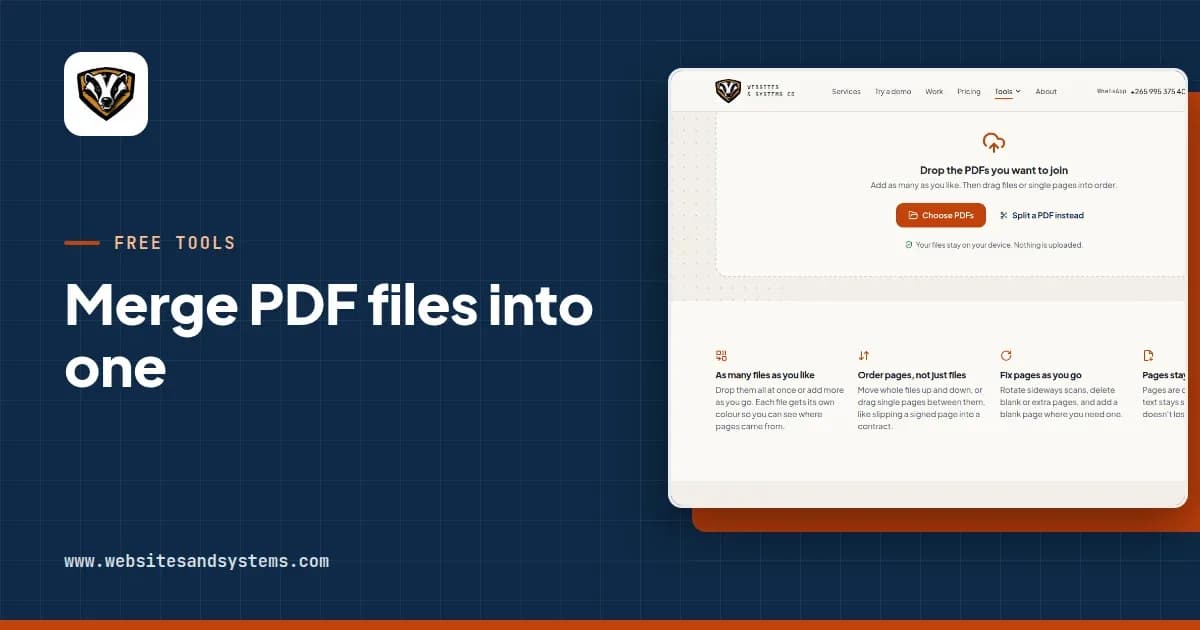
Add the PDFs to a merge tool, put them in order, and download one combined file. Our free Merge PDF tool lets you order single pages as well as whole files, rotate sideways scans and remove pages you don't need, all in your browser, so nothing is uploaded.
When you need one PDF instead of several
- A job or visa application wants your CV, certificates and ID as one upload.
- A client wants the quote, terms and signed page together.
- An accountant wants the month's receipts in one file.
- You scanned the front and back of a document separately.
How to merge PDFs
- Open Merge PDF and drop all your PDFs on it. Add more any time with Add PDF.
- Put the files in order with the arrows in Files, in order.
- Need a single page somewhere else? Drag it, or tap it and use the arrow buttons. Each file has its own colour, so you can see where every page came from.
- Rotate any sideways pages and delete any you don't need.
- Name the file and click Download merged PDF.
Ordering pages, not just files
Most merge tools only let you put whole files in order. Real documents are messier than that: the signed signature page belongs at page 7 of the contract, the back of a certificate was scanned separately, a blank page crept in. Here every page is shown, so you fix all of that before you download.
Merge and split together
Under Split it as well? you can also split the merged result: by page numbers, every few pages, one page per file, or where you cut. It's the same workspace as the Split PDF tool.
Quality and size
Pages are copied across, not redrawn, so the merged PDF is as sharp as the originals, text stays searchable, and web links still work. The merged file is roughly the size of the originals added together.
Is it private?
Yes. Merging happens on your own device. ID documents, certificates and bank statements never leave your computer or phone.
If a file won't merge
If a PDF is protected against changes, it can't be merged here. Open it in a PDF reader, save or print a copy without the protection, and merge that.
Related tools
- PDF editor to sign, add text or fill in a form before you merge.
- Word to PDF to turn a Word document into a PDF you can add.
Putting the same pack together every time?
If you assemble the same bundle for every customer (quote, terms, a filled-in form) a small system can build and send it for you. That's what our custom business systems do.