
Blog
How do you open a CSV in Excel without losing the leading zeros?
By Gabriel Kadiwa, Founder & Full-Stack Developer
Convert the CSV to an Excel file with a tool that keeps numbers starting with 0 as text, instead of opening the CSV directly. Our free CSV to Excel converter does this in your browser and also fixes files that land in one column.
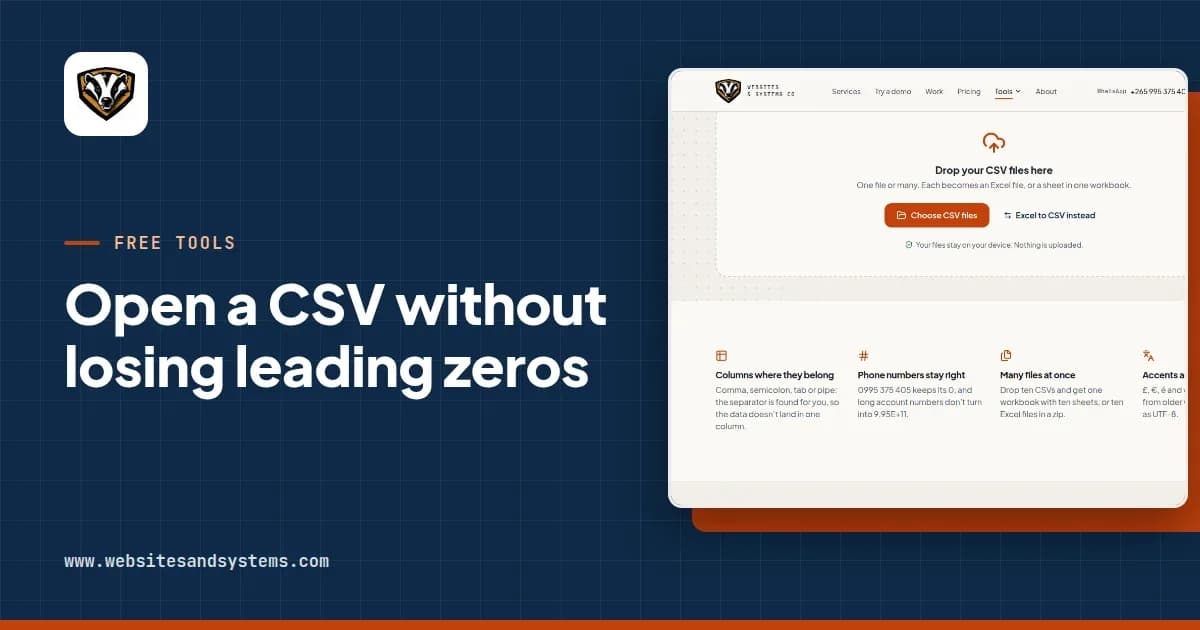
Convert the CSV to a proper Excel file first, using a converter that keeps numbers starting with 0 as text, instead of double-clicking the CSV. Excel's habit of "helping" is what strips the zero from 0995 375 405 and turns long account numbers into 9.95E+17. Our free CSV to Excel converter keeps them exactly as they are, and it runs in your browser, so the file never leaves your computer.
Why Excel breaks CSV files
A CSV is plain text: rows of values with a separator between them. It has no idea what a phone number is. When you open one in Excel, Excel guesses the type of every cell, and it guesses in ways that suit accountants, not customer lists:
- Leading zeros vanish. 0995375405 looks like a number, so Excel stores it as 995375405. Every Malawian mobile number in the file loses its first digit.
- Long numbers turn into scientific notation. Excel only keeps 15 significant digits. A 16- or 18-digit bank reference or ID number becomes 1.23457E+17, and the last digits are gone for good once you save.
- Everything lands in column A. If the file was exported with semicolons (common from European and South African systems, and from any computer set to use a comma for decimals), Excel in the UK, US or Malawi doesn't split it.
- Accents turn into junk. A CSV saved in an older encoding shows "São Paulo" instead of "São Paulo", and £ becomes £.
None of this is your fault. The CSV is fine. The damage happens in the opening.
The fix: convert, don't open
Open the CSV to Excel converter, drop your file on it, and check the preview. Then click Download Excel. What you get:
- Phone numbers, account numbers and anything else that starts with 0, or is longer than 15 digits, stays as text, exactly as written.
- Ordinary numbers like 1250.50 become real numbers, so SUM and filters work.
- Dates written as 2026-11-01 become real Excel dates.
- The heading row gets a filter, and columns are sized to fit what's in them.
The separator is detected for you. If the preview still shows everything in one column, pick the separator yourself under Options.
If you'd rather nothing is changed at all, tick Keep everything as text. Numbers won't add up, but every cell will be exactly as it was in the CSV.
Several CSVs at once
Accounts packages, payment platforms and mobile money exports often give you one CSV per month or per branch. Drop them all on the converter together. With Put them all in one Excel file ticked, each CSV becomes a sheet named after its file. Untick it and you get separate Excel files in a zip.
Is it safe for customer data?
The converter runs entirely in your browser. The file is read on your device and the Excel file is made there too. Nothing is uploaded to us or anyone else, which matters when the file is a customer list, a payroll export or bank transactions.
If you need to do it inside Excel
Sometimes you can't use another tool. In current versions of Excel:
- Open a blank workbook, then go to Data → From Text/CSV.
- Pick the file. In the preview, check the separator and the file origin (choose 65001: Unicode (UTF-8) if accents look wrong).
- Click Transform Data, select the phone number column, and set its type to Text.
- Click Close & Load.
It works, but you have to remember it every time, and set the type on every column that needs it. That's why we built the converter.
Going the other way
Need to send a spreadsheet to a system that only accepts CSV? The Excel to CSV converter saves every sheet you choose as its own CSV, with the separator the system expects and accents that survive.
When a converter isn't enough
If you're converting the same export every week so someone can retype it into another system, the converter is a plaster. That kind of copying is what a small custom business system removes: the data goes from one place to the other on its own, checked as it goes.
Tell us what you're copying between, and we'll tell you honestly whether it's worth building. Book a free 30-minute discovery call.