
Blog
How do you save every sheet in an Excel file as CSV?
By Gabriel Kadiwa, Founder & Full-Stack Developer
Excel's Save As only saves the sheet you're looking at. To get every sheet as its own CSV in one go, use a converter that lets you tick the sheets you want, like our free Excel to CSV tool.
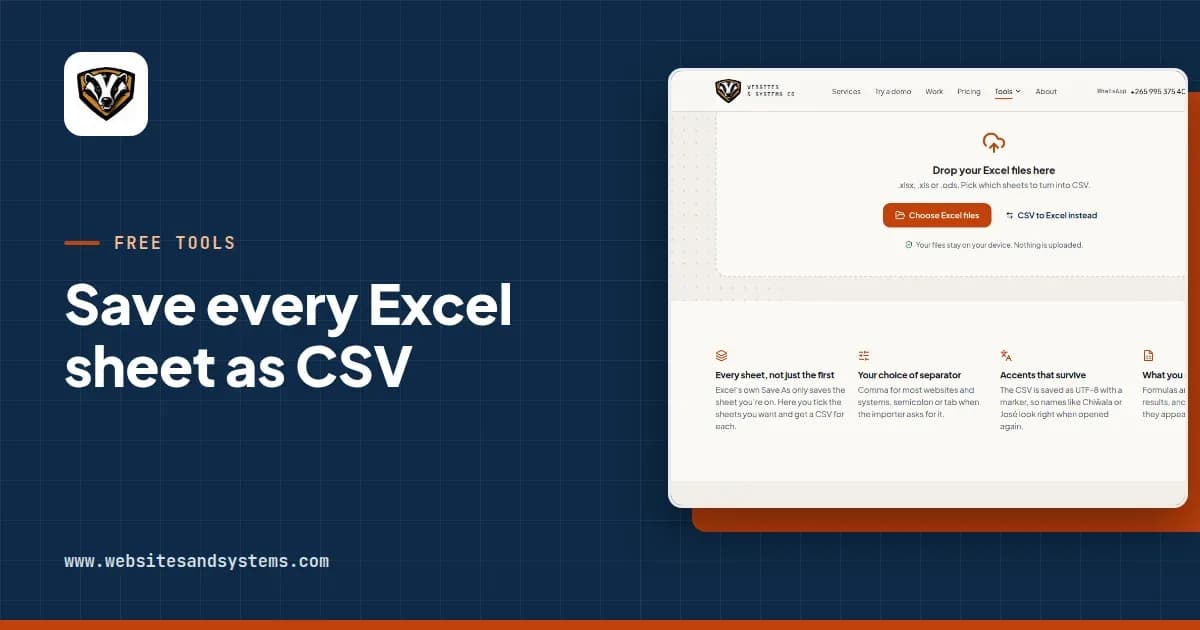
Excel's Save As → CSV only saves the sheet you're looking at, so a workbook with twelve monthly tabs means doing it twelve times. To get every sheet as its own CSV in one go, open the workbook in our free Excel to CSV converter, leave the sheets ticked, and click Download. Each sheet becomes a CSV named after the file and the sheet.
Why you'd want CSV at all
CSV is the plain-text format almost every system can import: online shops, mailing list tools, accounting software, payroll, mobile money bulk payments, school and hospital systems. Excel files are richer, but importers often refuse them or read only the first sheet.
So the job comes up a lot: someone keeps a list in Excel, and a website or system wants it as CSV.
The three things that go wrong
1. Only one sheet gets saved. Excel warns you, but it's easy to click past. The other sheets aren't in the file you upload.
2. The separator is wrong for the system. Most systems want commas. Some, especially in Europe and South Africa, want semicolons, because they write decimals with a comma (1,5 not 1.5). A few want tabs. Excel uses whatever your computer's region settings say, which may not be what the importer expects.
3. Accents and symbols break. Names like Chiŵala, José or Zoë, and symbols like £ and €, come out as junk if the CSV is saved in the wrong text encoding, or opened again in Excel without the marker that says "this is UTF-8".
How the converter handles it
Open the Excel to CSV converter and drop your workbook on it. It accepts .xlsx, .xls, .xlsm, .ods (LibreOffice) and Apple Numbers files.
- Pick the sheets. Every sheet is listed with its row count. Empty sheets start unticked.
- Pick the separator. Comma, semicolon, tab or pipe.
- Keep accents readable. With Make accents show in Excel ticked, the CSV is saved as UTF-8 with a byte order mark, which Excel reads correctly. If a website rejects the file, untick it: some older importers don't expect the marker.
Then click Download CSV. One sheet downloads as one file. Several come together in a zip.
What happens to formulas and dates
A CSV can only hold values, not formulas. Each cell is saved as the result Excel last showed for it. Dates and numbers are saved as they look in the spreadsheet, so 01/11/2026 stays 01/11/2026 and £1,250.00 stays as written.
If an importer needs dates in a particular format, like 2026-11-01, change the cell format in Excel first, then convert.
Is it private?
Yes. The workbook is opened and converted in your browser, on your own device. Nothing is uploaded, which is the right way to handle staff lists, customer details and anything financial.
Need the other direction?
If you've been sent a CSV and Excel mangles it, the CSV to Excel converter keeps leading zeros and long numbers intact and splits semicolon files properly.
Doing this every week?
If someone exports from one system, converts, and uploads to another every week, that's a job a business management system can do for you, without the copying or the mistakes.
Book a free 30-minute discovery call and tell us where the data starts and where it needs to end up.