
Blog
How do you turn a PDF into a Word document you can edit?
By Gabriel Kadiwa, Founder & Full-Stack Developer
Use a converter that rebuilds the PDF's text as real paragraphs and headings, not one text box per line. Our free PDF to Word tool does this in your browser, and has an exact-copy mode for forms and designed pages.
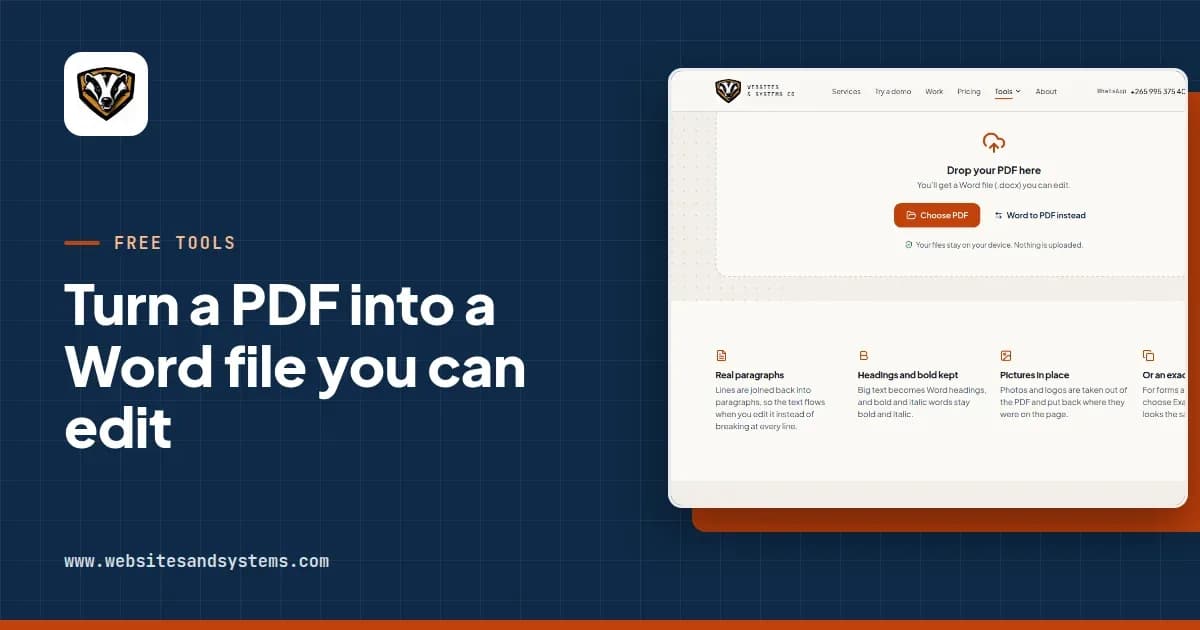
Use a converter that rebuilds the PDF's text as real paragraphs and headings, so you can edit it like any Word document. Our free PDF to Word converter does that in your browser: headings, paragraphs, bold and italic text, lists and pictures come across, and nothing is uploaded. For forms and designed pages there's an Exact copy mode that keeps every page looking the same.
Why PDFs are hard to edit
A PDF doesn't store paragraphs. It stores instructions like "draw these letters at this spot in this font". A paragraph of ten lines is ten separate pieces of text that happen to sit under each other. That's why copying text out of a PDF so often gives you line breaks in the middle of sentences.
A good conversion has to put the document back together: work out which lines belong to the same paragraph, which text is a heading, what's bold, and where the pictures went.
What our converter rebuilds
When you choose Editable text, the converter reads every piece of text with its position, size and font, then:
- Joins lines into paragraphs, so text flows when you edit it, and rejoins words split with a hyphen at the end of a line.
- Finds headings by comparing text size with the body text of the whole document.
- Keeps bold and italic, from the fonts the PDF uses.
- Keeps lists: lines starting with a bullet or a number start a new item.
- Puts pictures back where they were on the page.
- Keeps page breaks, so page 3 of the PDF starts page 3 of the Word file.
What it can't do
Being honest about this saves you time:
- Tables and columns come across as text separated by tabs. The content is all there, but you may need to rebuild the table in Word.
- Scanned PDFs are photos of paper, with no text inside. The converter tells you when a PDF looks scanned. Choose Exact copy to keep the pages as they look, then retype the parts you need to change. Turning a scan into text needs OCR (text recognition), which this tool doesn't do.
- Unusual fonts are replaced by the nearest common one in Word.
Editable text or Exact copy?
Editable text is for letters, reports, CVs, policies and anything that's mostly words.
Exact copy puts each page into the Word file as a picture. It looks identical to the PDF, and you can type around it or add pages, but you can't change the original words. It's useful for forms, certificates and designed pages, where keeping the look matters more than editing.
How to do it
- Open the PDF to Word converter and drop your PDF on it.
- Choose Editable text or Exact copy.
- Click Convert and download Word file, then open it in Word, Google Docs or LibreOffice.
If the PDF has a password, you'll be asked for it. It's only used on your device.
Do you need to convert at all?
If you only need to change a date, fix a name or add a signature, converting is the long way round. The PDF editor lets you click on existing text and retype it in place, add new text, sign and fill in forms, then download the PDF.
Retyping PDFs for a living?
If your team regularly copies figures out of PDFs (supplier invoices, bank statements, lab results) and types them into a spreadsheet or system, that's a job we can automate with a custom business system.
Book a free 30-minute discovery call and bring one of the PDFs.