
Blog
How to add or remove VAT from a price, and the mistake people make
By Gabriel Kadiwa, Founder & Full-Stack Developer
To add VAT, multiply the price by the rate and add the result. To remove it, divide the price by 1 plus the rate, not by taking the percentage off. Our free VAT and sales tax calculator does both, at any rate and in any currency.
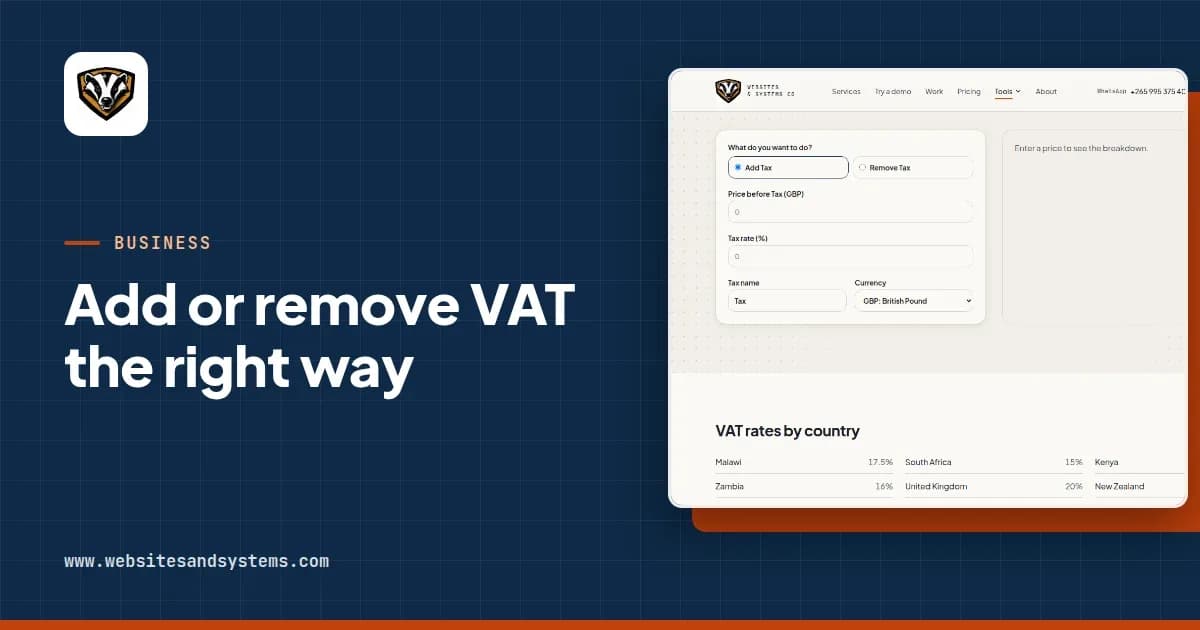
To add VAT, multiply the price by the rate and add the result. To remove it, divide the price by 1 plus the rate, not by taking the percentage off. Our free VAT and sales tax calculator does both, at any rate and in any currency.
How do I add VAT to a price?
Turn the rate into a decimal and multiply. At Malawi's 17.5%, a price of MWK 100,000 has MWK 17,500 of VAT, which makes MWK 117,500.
What's the mistake people make when removing VAT?
They take the percentage off the total. It feels right and it's wrong, because the percentage was worked out on the smaller, pre-tax price.
Take a UK price of 120 at 20% VAT. Take 20% off and you get 96. The real price before VAT is 100, because 120 divided by 1.2 is 100. That gap of 4 sounds small until you've made the same mistake across a year of purchases and your bookkeeper goes very quiet.
So back to Malawi: MWK 117,500 divided by 1.175 is MWK 100,000.
What rates does the calculator know?
It has a page for each of 33 countries, including Malawi, South Africa, Kenya, Zambia, the UK and New Zealand, plus all 27 EU countries. Each page shows the source for its rate.
The pages use the standard rate, and the UK page also has its 5% and 0% rates. Some goods and services are charged at other rates or exempt, so check with your tax authority if yours might be one of them.
What about US sales tax?
The US has no national sales tax. States and local areas set their own, so choose the main calculator, enter the combined rate for your location, and call the tax "Sales tax". It works the same way.
What do I do with the answer?
If you're billing someone, put the same rate into our invoice maker and it will show the tax on the invoice for you.
Quick answers
Does it work for GST?
Yes. The sum is the same whatever the tax is called, so New Zealand's page uses GST.
Is it free?
Yes, with no sign-up, and your figures stay in your browser.
What if my country isn't listed?
Use the main calculator and type in your own rate, tax name and currency.
Add or remove VAT in a few seconds.