
Blog
How to make a payment receipt in under a minute
By Gabriel Kadiwa, Founder & Full-Stack Developer
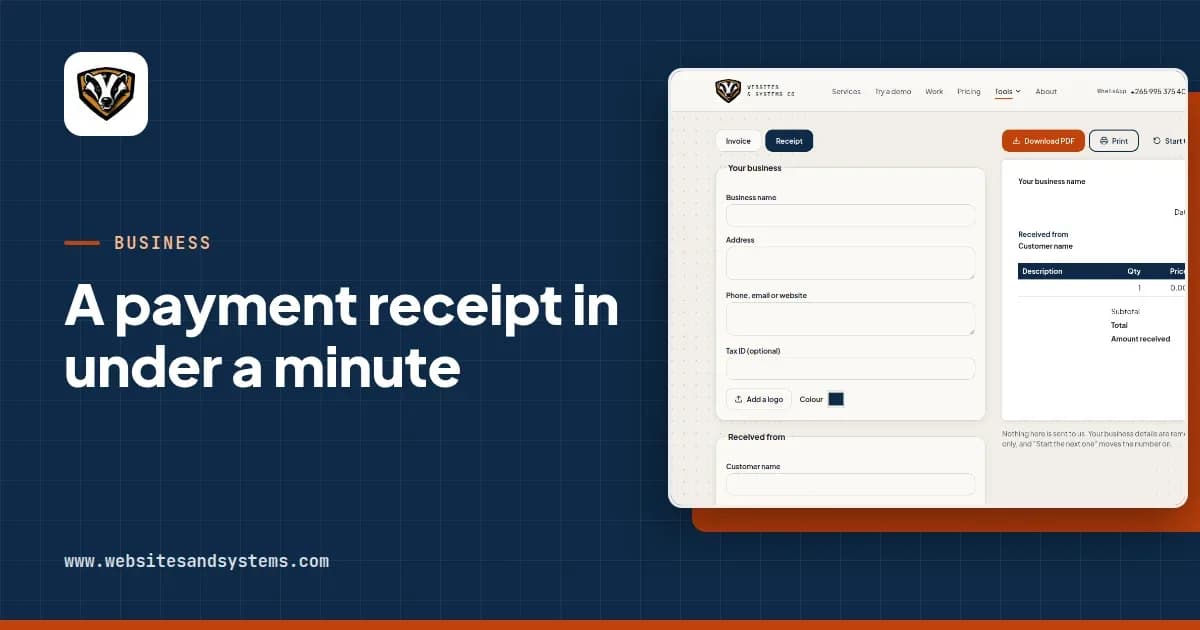
To make a receipt, record who paid, how much, when, how they paid and what for. Our free receipt maker turns those details into a PDF with your logo in under a minute, ready to download or share to WhatsApp.
To make a receipt, record who paid, how much, when, how they paid and what for. Our free receipt maker turns those details into a PDF with your logo in under a minute, ready to download or share to WhatsApp.
What's the difference between an invoice and a receipt?
An invoice asks for money. A receipt says you've got it. You send the invoice first, then the receipt once the customer has paid. If they pay on the spot, a receipt on its own is usually all you need.
Why bother with a receipt for a small payment?
Because memory is an unreliable bookkeeper. A customer who paid in cash three months ago and a shop owner who has no record of it can have a long and unhappy conversation. A numbered receipt ends it in seconds.
Receipts also help your own records. When tax time comes, or when you want to know what the business earned in March, you have something better than a pile of chat messages to look through.
What should a receipt include?
- Your business name and contact details
- A receipt number
- The date
- Who paid
- What it was for
- The amount and the currency
- How they paid, such as cash, bank transfer or mobile money
If you charge VAT or a similar tax, show that as well. The rules differ by country, so check with your tax authority.
How does it work?
Enter the details and the receipt appears beside the form. Add your logo, choose any currency, then download the PDF or share it straight to WhatsApp from your phone. It runs in your browser, so the details aren't uploaded to us.
Need to ask for payment first? The invoice maker works the same way.
Is this useful for schools, shops and churches?
Yes. Anyone who takes payments in person can use it. If you're writing dozens of receipts a week for fees, stock or donations, though, the receipts are the easy part and keeping track is the hard part. A simple custom system can do both.
Quick answers
Is it free?
Yes, with no sign-up.
Can I use it on my phone?
Yes. It's built to work on a phone, including on a slow connection.
Do you keep a copy?
No, so save your PDF. We never see it.
Make a receipt for your next sale.