
Blog
How to make a professional invoice for free, in any currency
By Gabriel Kadiwa, Founder & Full-Stack Developer
You can make a professional invoice in a couple of minutes with our free invoice maker. Add your logo, your customer and what you sold, choose any currency, then download a PDF or share it to WhatsApp. There's no sign-up.
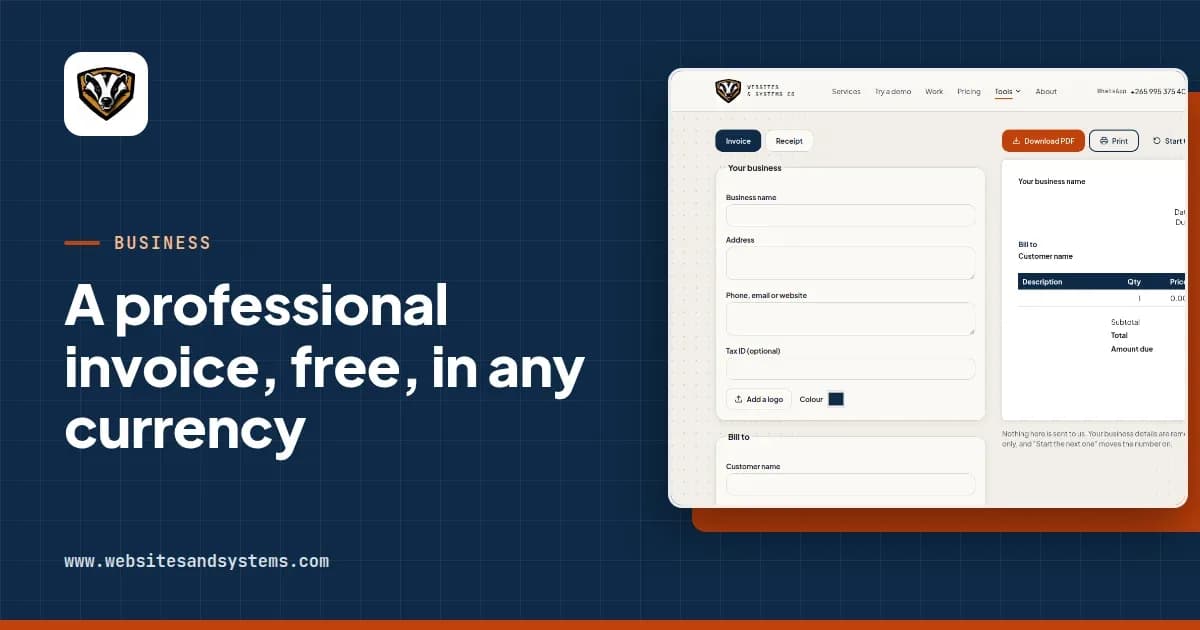
You can make a professional invoice in a couple of minutes with our free invoice maker. Add your logo, your customer and what you sold, choose any currency, then download a PDF or share it to WhatsApp. There's no sign-up.
What must an invoice include?
Your business name and contact details, your customer's name, an invoice number, the date, what you sold with quantities and prices, the total, and how to pay you. If you're registered for VAT or a similar tax, you'll usually need to show the tax and your tax number too. The rules differ by country, so check with your tax authority.
A clear due date helps more than anything else on the page. "Please pay when convenient" is an invitation to never be paid, and it will be accepted warmly.
Why not just send a WhatsApp message with the amount?
You can, and many small businesses do. But an invoice gives both sides a record. It looks more professional, it's easier to chase, and your customer's accountant won't have to scroll through a chat to find it.
The maker keeps the speed of WhatsApp: the Share button sends the finished PDF to WhatsApp from your phone.
How does it work?
Fill in the form and the invoice appears beside it. Add your logo once, enter your items, and set a tax rate if you charge one. It handles the sums, and you can use any currency, including those that don't use cents.
Everything stays in your browser. Your customer list and your figures aren't uploaded to us.
Not sure of your tax rate? Our VAT and sales tax calculator has checked rates for 33 countries. Working out what to charge in the first place? The salary expectations tool can work out a freelance rate.
When does a free invoice maker stop being enough?
When you're sending dozens a month and need to know who has paid. At that point the job is tracking, not typing, and it's time for a system that does the chasing. That's the kind of thing our custom systems do.
Quick answers
Is it really free?
Yes, with no sign-up and no watermark asking you to upgrade.
Can I make a receipt instead?
Yes. Use our receipt maker once the customer has paid.
Do you see my invoices?
No. It all happens in your browser.