
Case study · Custom Systems
Document viewer (free tool)
Open a Markdown file and read it like a Word document. A free tool on our site: open a Markdown (.md) file and read it as A4 pages, edit it like Word, and save it as Markdown, Word or PDF. Nothing is uploaded.
- Market
- International
- Industry
- Our own free tool
- Launched
- October 2026
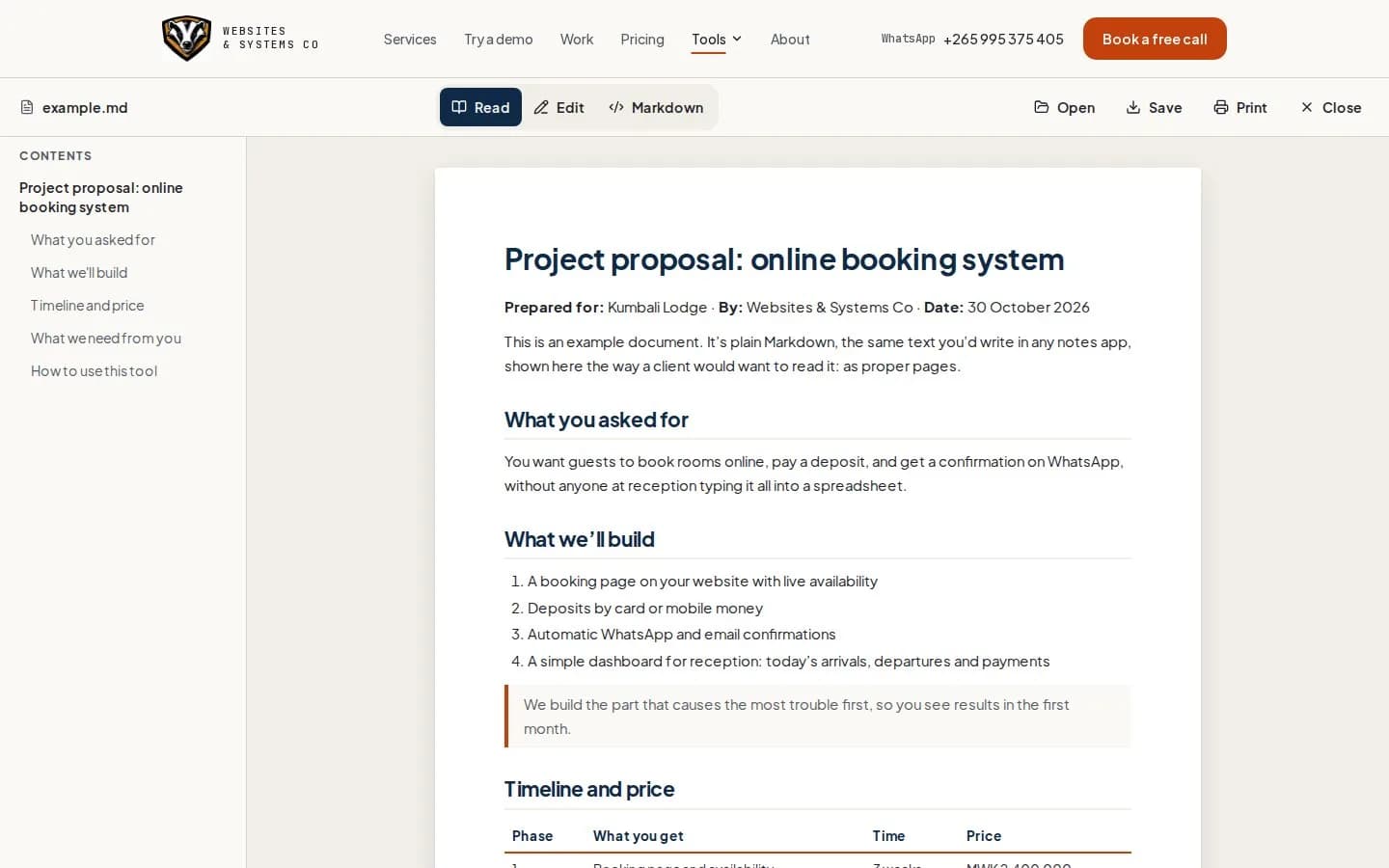
The problem
Developers and AI tools hand people Markdown files. Opened raw, they're a mess of hashes and stars, and most people have nothing that shows them properly.
What we built
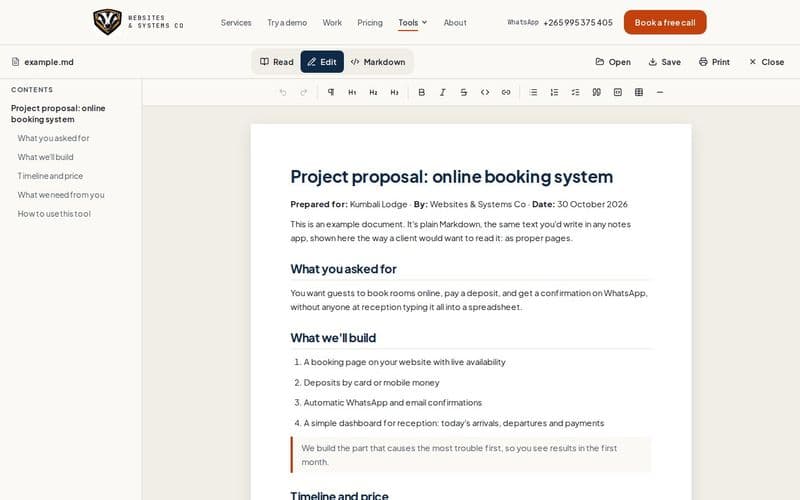
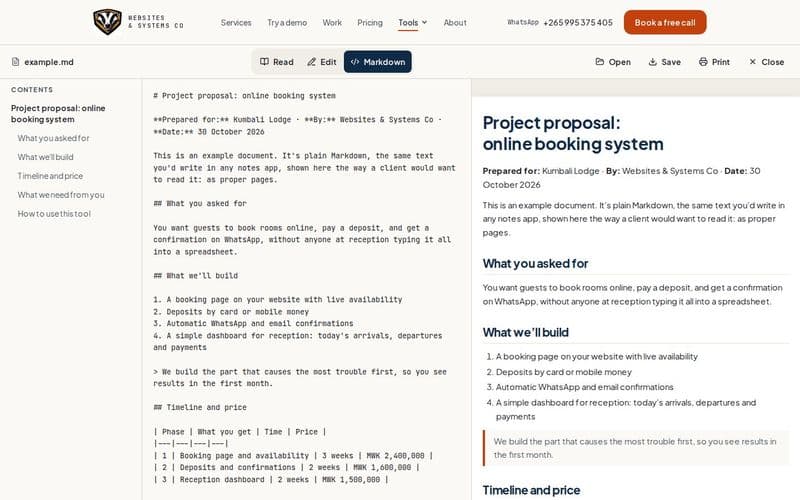
Drop a file on the page and it's laid out as A4 pages with a contents list. Edit it straight on the page with a normal toolbar, or edit the raw Markdown with the pages updating as you type. Save it as Markdown or Word, or print it to PDF. Everything runs in the browser, so the file never leaves your computer.
Features
- A4 pages with a contents list
- Edit on the page like Word
- Raw Markdown editing with a live preview
- Save as .md or .docx, print to PDF
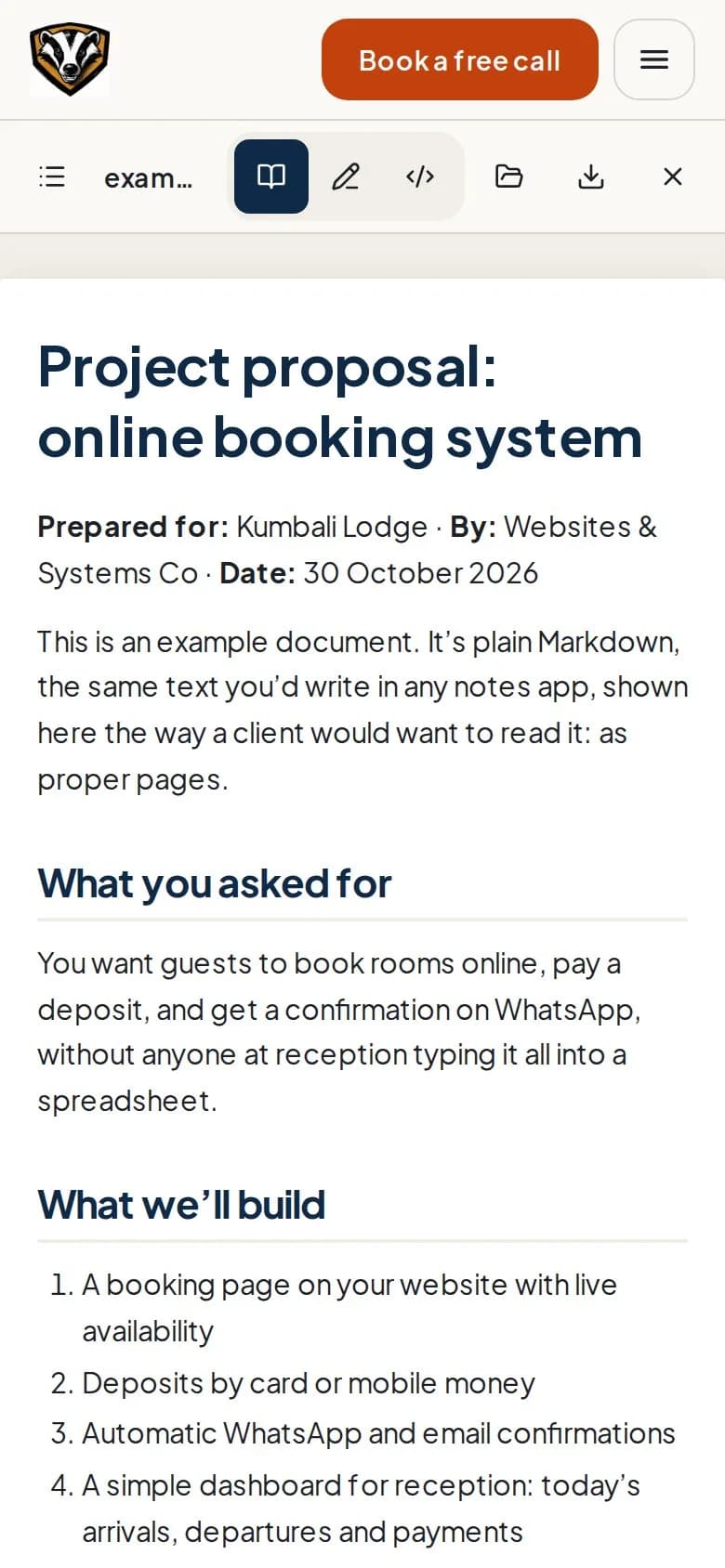
- Works on phones
- Nothing is uploaded
Screens
See it working
Built with: Next.js · TipTap · markdown-it · docx
Want a system like this for your business?
Tell us how your business runs today. We'll show you what we'd build on a free 30-minute call.